
A freezing morning in Pittsburgh is a good reminder of why people love remote starters. You want to warm up your vehicle before heading outside, but the way you start it matters almost as much as the starter itself. Should you use your original key fob, carry a separate long-range remote, or start your car with an app on your phone?
There is no single answer for every driver. The better choice depends on where you park, how far you are from your vehicle, if you want confirmation that it started, and what features your particular car, truck, or SUV can support.
At Xtreme Car & Truck Accessories in Bridgeville, PA, we help Pittsburgh and South Hills drivers compare these options and choose a compatible system. Here is how to decide what makes sense for your everyday routine.
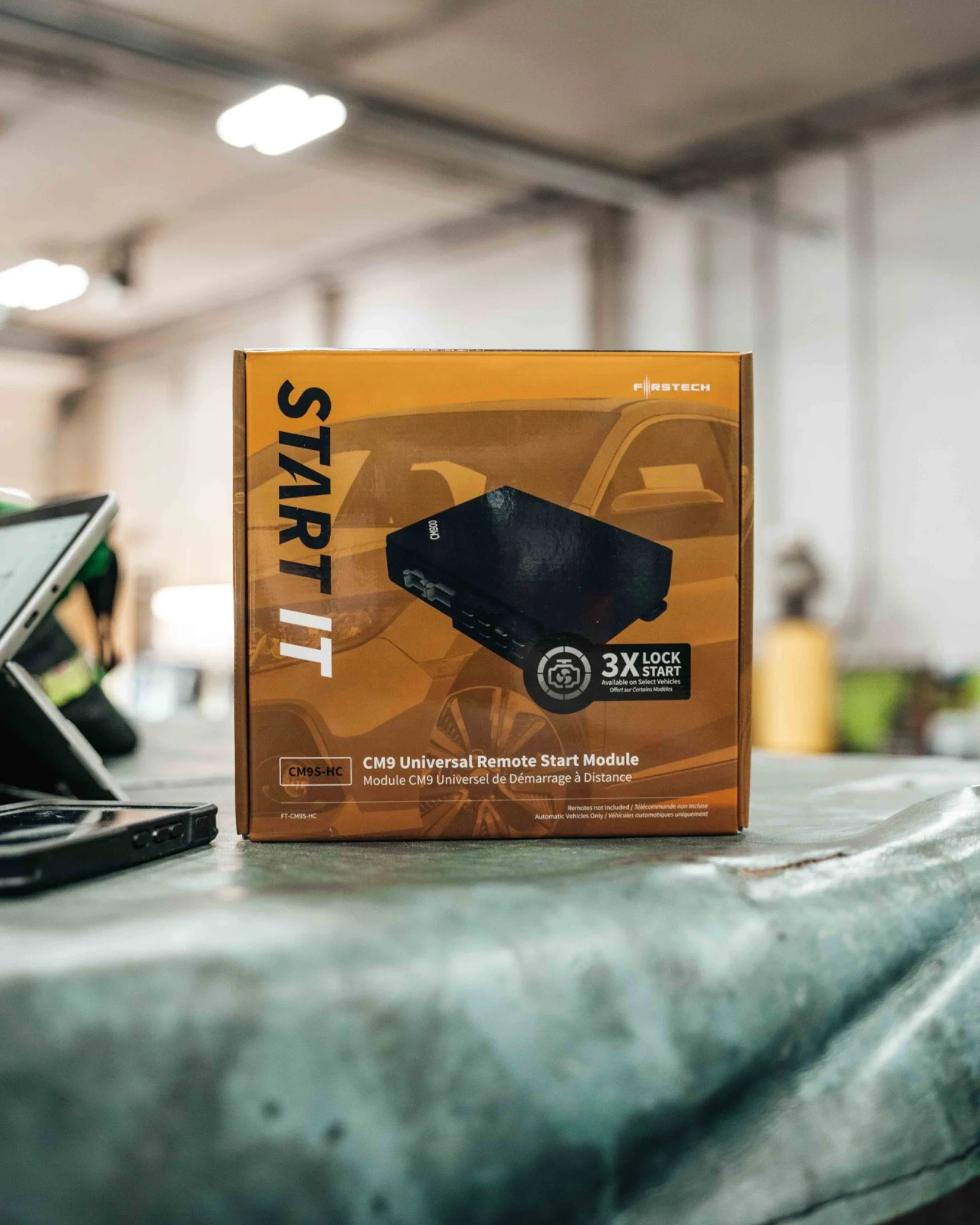
The Quick Answer: Phone Or Key Fob?
If you normally park in your driveway or just outside your workplace, a compatible factory-key-fob remote starter may be all you need. It keeps your keychain simple and does not require opening an app.
If your vehicle is often parked far away, a dedicated long-range remote may be a better choice. A two-way remote can also give you feedback, so you know a supported command actually went through.
If you regularly park beyond radio-remote range, smartphone control through a compatible system such as DroneMobile may be worth considering. It uses a cellular connection instead of relying only on the radio range of a handheld remote. Smartphone control requires compatible installed hardware, cellular coverage, and an active service plan.
You can sometimes combine a traditional remote and phone control in one installation. These are not always either-or choices.
Option 1: Remote Start Using Your Factory Key Fob
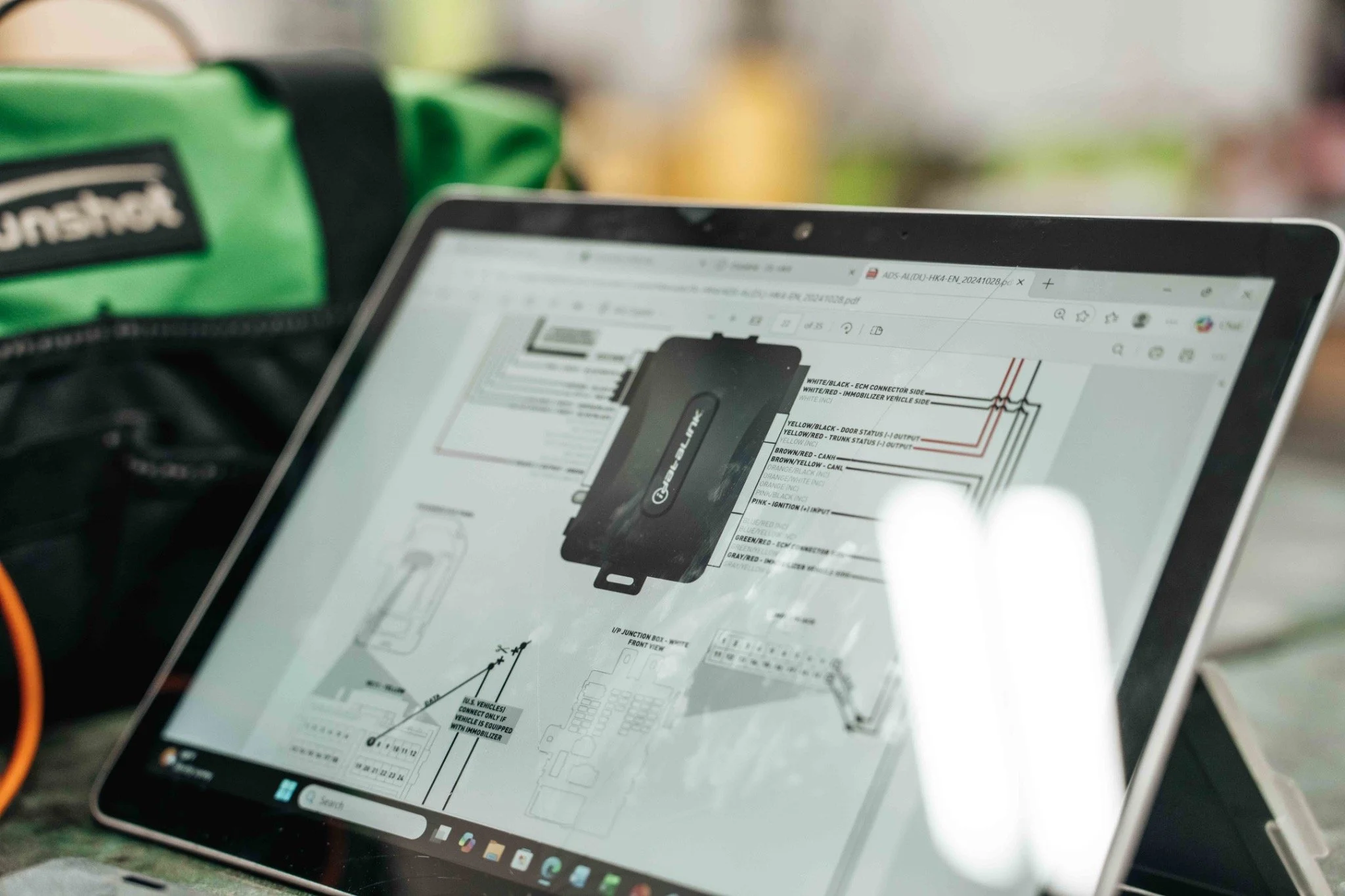
Some vehicles can be equipped with aftermarket remote start that works through the original factory key fob. A supported button sequence, often pressing the lock button three times, sends the remote-start command without adding another remote to your keychain.
This option is convenient when you normally park close enough for your existing key to communicate with the vehicle. Think of a driveway, a nearby parking space, or a small lot where the vehicle is easy to reach.
The main limitation is range. Your factory key fob was not necessarily designed for long-distance remote starting. Buildings, walls, other vehicles, and radio interference can cut down its usable reach. Depending on the setup, you may also have no clear confirmation that the engine actually started.
Factory-key integration is vehicle-specific. It is not available on every make, model, or trim, so a professional installer should verify compatibility first.
Best fit: Drivers who want uncomplicated remote start for a vehicle parked relatively close by.
Option 2: A Dedicated Long-Range Key Fob
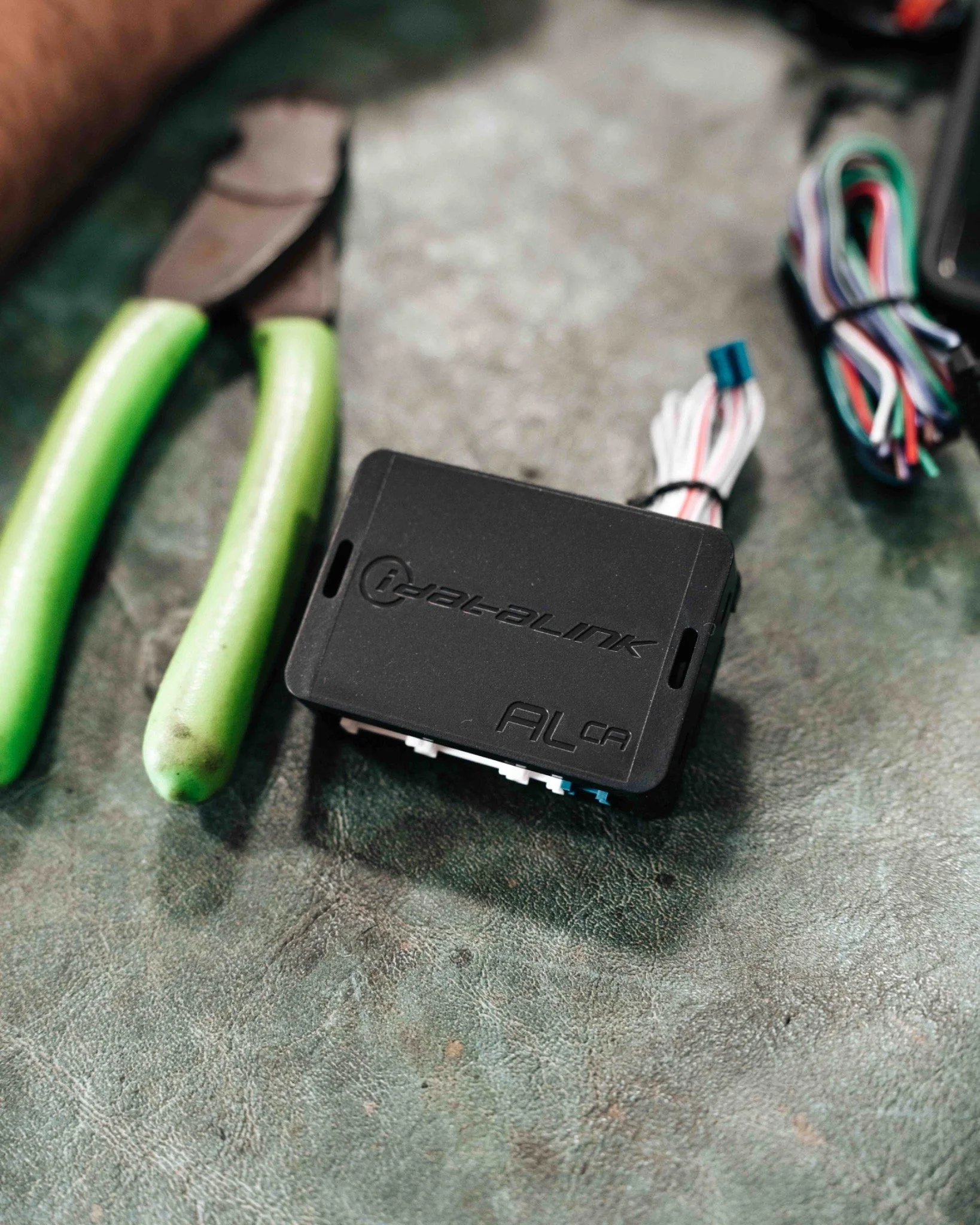
A separate remote starter fob is designed specifically to operate an installed remote-start system. Depending on the model, it may offer considerably more advertised range than the vehicle's original key.
That can be useful if you park across a shopping-center lot, farther from your workplace, or outside a large building. Keep in mind that advertised range is usually measured under favorable conditions. Concrete structures, terrain, surrounding buildings, and interference can reduce performance in real life.
There are two main control styles to understand.
One-way remote starters send a command to the vehicle. They are straightforward, but the remote itself generally does not tell you if the command went through.
Two-way remote starters send a command and receive a response from the installed system. Depending on the model, the remote may use a light, sound, vibration, or screen to confirm supported functions, such as a successful remote start.
Imagine leaving work on a cold evening when you cannot see your vehicle from the building. Two-way confirmation takes the guesswork out of it. You are not left wondering if the start command worked.
Best fit: Drivers who want a dedicated control, extended radio range, or feedback without relying on a phone app.
Option 3: Starting Your Vehicle From Your Phone
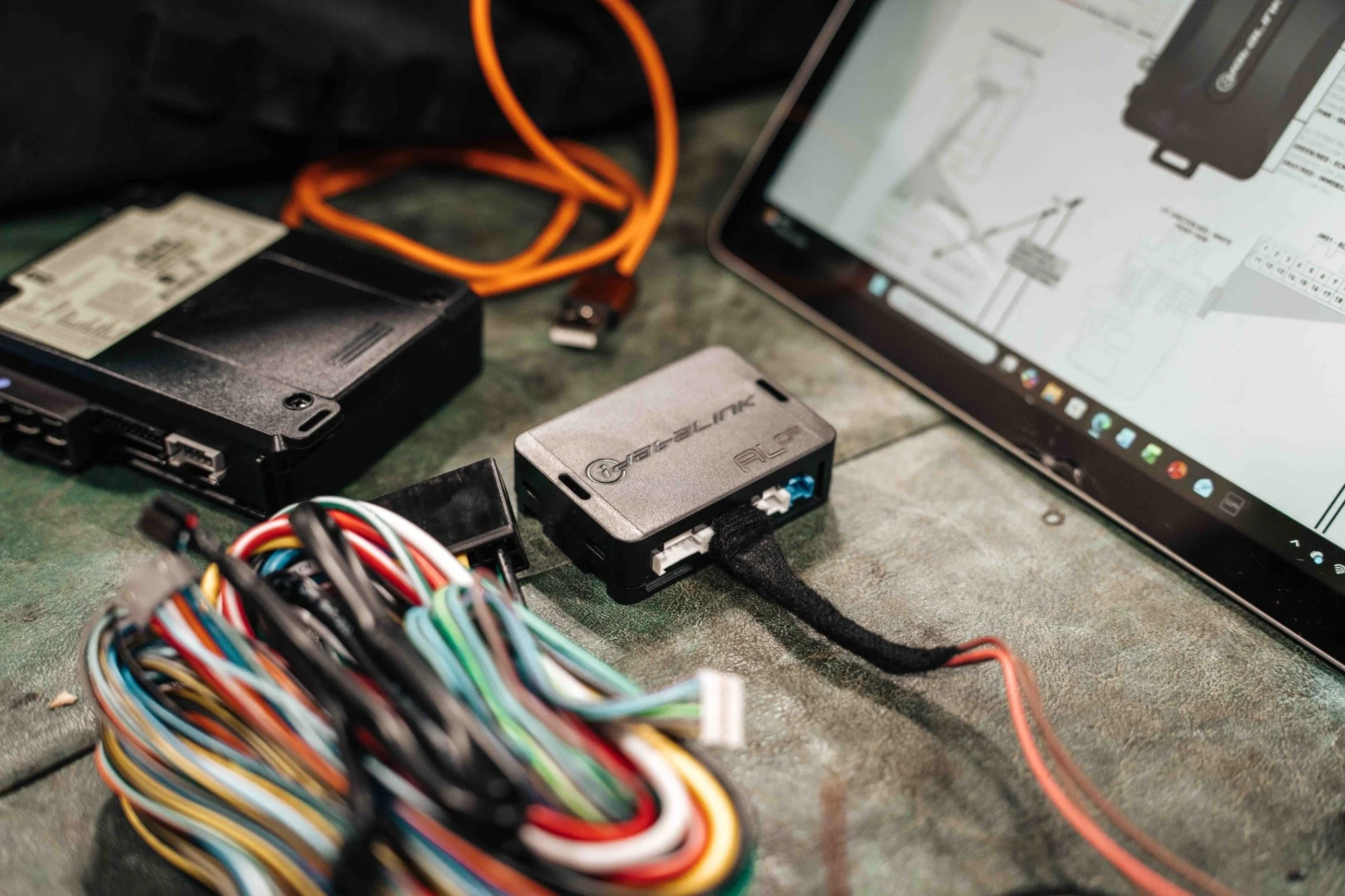
Smartphone remote start adds a different kind of convenience. With compatible equipment such as DroneMobile, an installed cellular module communicates with an app so you can send supported vehicle commands over a data connection.
Instead of asking, "Am I close enough for my key fob to reach?" the question becomes: do your phone and the vehicle's module have the connectivity they need to send and receive the command?
For example, you may want to start your vehicle before leaving an office in downtown Pittsburgh, while you are still inside a large building, or before walking to a distant parking area. A compatible smartphone system can make those situations easier than relying on a short-range factory remote.
Depending on the equipment, vehicle, and subscription, smartphone-connected systems may also support features such as lock and unlock commands, vehicle status information, security notifications, or GPS-related functions. Not every feature is available on every vehicle or plan.
There are trade-offs. You need a compatible phone and app, a working connection, and an active cellular service plan for the installed module. If service is unavailable, you cannot count on the app to deliver commands. It also comes down to preference. Some drivers like opening an app, and some would rather press a physical button.
Best fit: Drivers who regularly park beyond traditional remote range or value phone-based vehicle control.
Comparing The Three Ways To Start Your Vehicle
Factory key fob
- Uses your existing key on supported vehicles.
- Convenient for close-range parking.
- Limited by factory key radio range.
- May not offer two-way confirmation.
- No separate smartphone-control plan required for the key-fob function itself.
Dedicated long-range remote
- Uses an additional handheld remote.
- Offers range choices based on the selected system.
- Two-way versions can confirm supported commands.
- Works over radio instead of requiring a cellular app connection.
- Actual range depends on your surroundings.
Smartphone control
- Uses a compatible app and cellular-enabled equipment.
- Can work from locations beyond ordinary radio-remote range when connected.
- May provide additional supported control or status features.
- Requires an active service plan and adequate connectivity.
- Available functions depend on the vehicle, installed equipment, and plan.
What About Compustar and DroneMobile?
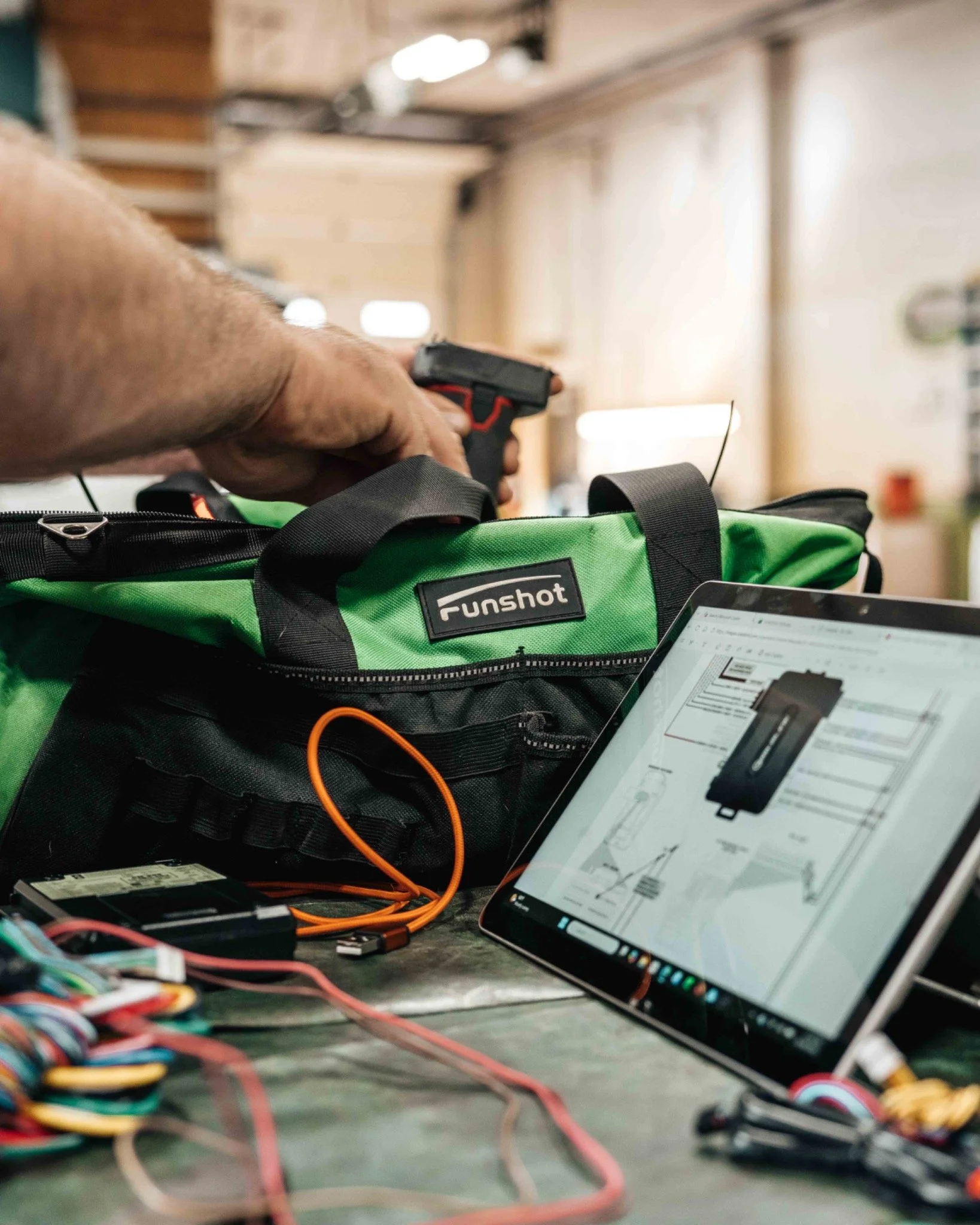
Compustar offers remote starter systems and dedicated remote-control options, including two-way models. DroneMobile adds compatible smartphone connectivity through installed cellular hardware and a service plan.
The two can work together. In the right installation, you can use a Compustar remote for everyday starting and DroneMobile when you want to control the vehicle from your phone.
That combination is especially appealing if you like the simplicity of a physical remote but want smartphone access for the times your vehicle is much farther away.
Before selecting a package, ask which controls and features are supported for your exact vehicle and if an app subscription is required. We can walk you through the available options instead of assuming the most feature-heavy setup is right for you.
Which Option Makes Sense For Your Parking Routine?
You park in your driveway at home.
If the vehicle is close enough for your factory key fob and that feature is supported, factory-key control may be all you need. You can skip carrying an extra remote just to start the vehicle each morning.
You park across a large lot at work.
A dedicated extended-range remote, especially a two-way model, may make more sense if you want to know your command worked. The building's construction and where you park will still affect range.
You work inside a hospital, office tower, or large facility.
Smartphone control may be useful when walls, floors, and distance put your vehicle beyond ordinary radio reach. It still depends on a good connection at both ends.
You frequently change parking locations.
If you park at different work sites, shopping centers, or other distant locations, the flexibility of app control may be attractive. A dedicated remote can still handle quick everyday commands.
You simply want a warm vehicle without more technology to manage.
You may be happiest with the simplest compatible remote-start configuration. Extra functions only add value when you actually use them.
Is Smartphone Remote Start Better Than A Key Fob In Winter?
Not automatically. Both approaches tell a compatible remote-start system to start the engine. The real difference is how you send the command, how far away you can do it, and if you get status information back.
Once the engine is running, cabin heating and windshield defrosting depend on the vehicle's climate-control behavior and settings. Some vehicles remember the last settings. Others use automatic climate routines. Choosing a phone over a key fob does not, by itself, guarantee faster heating.
Remote start is useful in a Pittsburgh winter, but it does not replace clearing snow and ice from your windows, lights, and mirrors before driving. Never run or remotely start a vehicle in an enclosed garage or another poorly ventilated area because of the carbon monoxide risk.
Can You Have Both Phone Control And A Key Fob?
Often, yes. Compatible remote-start packages can pair a dedicated remote with smartphone connectivity. That means you can press a button on the way out of the house and use the app when you are farther away.
Do not assume a smartphone module can be added to every existing factory or aftermarket remote starter, though. The equipment and available integrations need to be verified for your vehicle and current system.
Does Smartphone Remote Start Require A Monthly Subscription?
DroneMobile's smartphone connectivity relies on an installed cellular module and an active service plan. Plan levels, features, and billing options can change, so ask about the current subscription options before choosing your system.
A standard factory-key-fob or dedicated radio remote does not need a DroneMobile subscription to send its own radio command. That distinction is worth understanding if you are deciding between a straightforward remote and an app-connected package.
Do All Remote Starters Work With Push-Button Ignition?
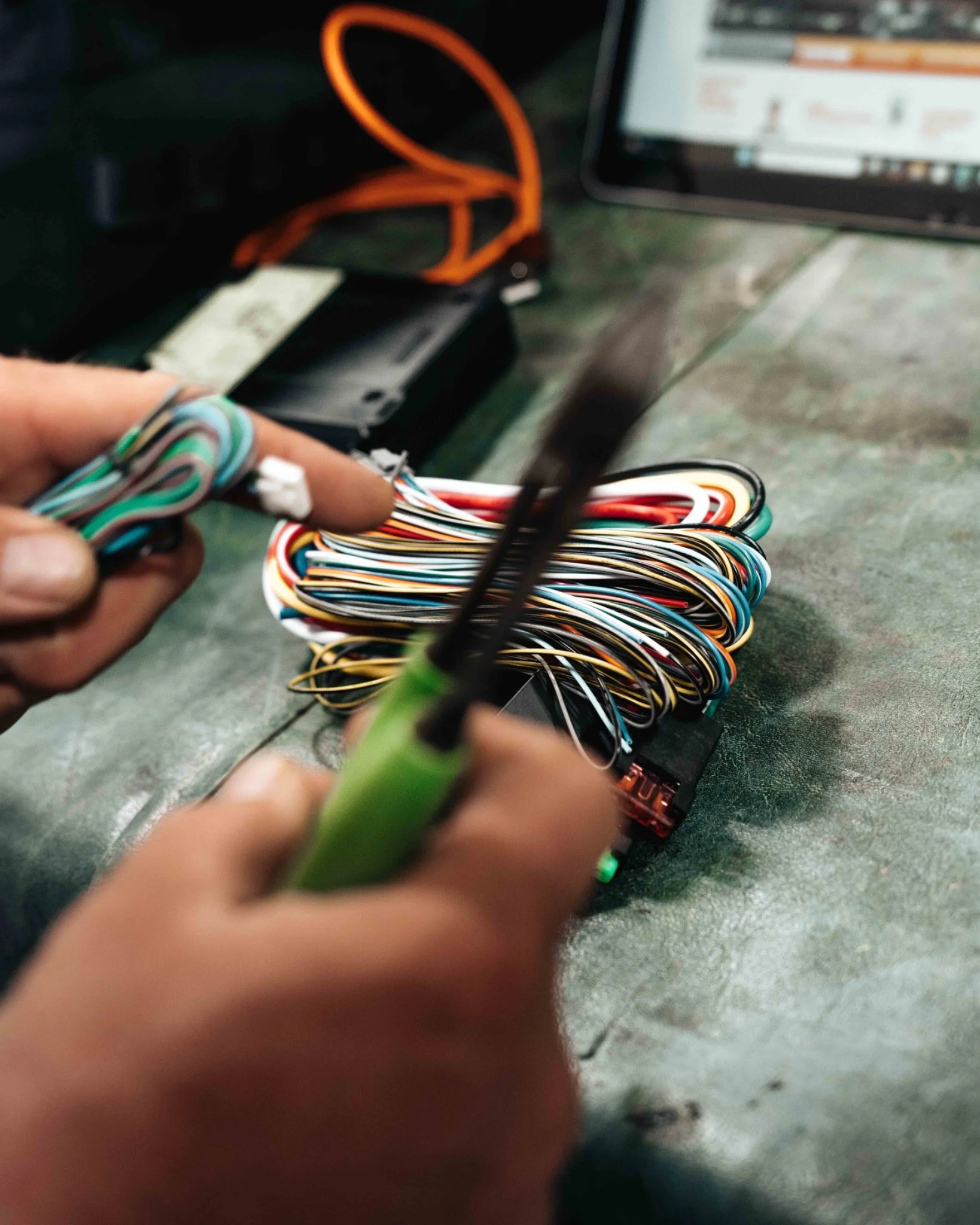
No single remote-start system works with every vehicle. Many push-button-start cars, trucks, and SUVs support aftermarket remote-start options, but compatibility depends on the exact year, make, model, trim, transmission, and factory security equipment.
If you are unsure what your vehicle supports, check with us before purchasing equipment. Our guide to adding remote start to a car that did not come with it covers vehicle compatibility and push-button-start options in more detail.
The Best Remote Starter Is The One That Fits How You Drive
For some Pittsburgh drivers, starting a vehicle from the original key fob is enough. Others benefit from a two-way, long-range remote that confirms the vehicle started. And for people who routinely park far from where they work or spend time, smartphone control can be a useful addition.
There is no reason to buy features you do not need, and no benefit in choosing a system that does not fit your vehicle. The most useful conversation starts with what you drive and how you park.
Remote Starter Installation In Bridgeville, Pa
Xtreme Car & Truck Accessories is a family-owned business serving Pittsburgh and the South Hills since 1978. We install compatible remote starters at our Bridgeville shop and help customers compare factory-key-fob control, extended-range remotes, two-way confirmation, and smartphone-connected options including Compustar and DroneMobile.
Because every vehicle and installation is different, we do not use a one-size-fits-all online price. Our team reviews your vehicle information and the features you want, then provides an installation estimate.
When contacting Xtreme, have these details ready
- Your vehicle's year, make, model, and trim, if known.
- If it uses a traditional key or push-button ignition.
- Where you usually park and how far away you want to start it.
- If you want the original key fob, a longer-range remote, two-way confirmation, or phone control.
Visit our remote starter installation page.
Call: 412-257-1006
Ask About Remote Start for Your Vehicle
Share your vehicle’s year, make, and model with Xtreme to discuss compatible remote starter options.
Xtreme Car & Truck Accessories
Bridgeville, PA 15017
Right off I-79
Mon - Fri: 8:00 AM - 5:00 PM
Saturday: 9:00 AM - 12:00 PM
Sunday: Closed
Email: sales@xtremetruck.net
Web: xtremetruck.net
Service Area: Bridgeville, Pittsburgh, Mt. Lebanon, Upper St. Clair, Bethel Park, McMurray, Peters Township, South Park, and the South Hills.
Get Directions on Google Maps